Smart Forms. Better Data.
Create a shorter, more focused respondent experience.
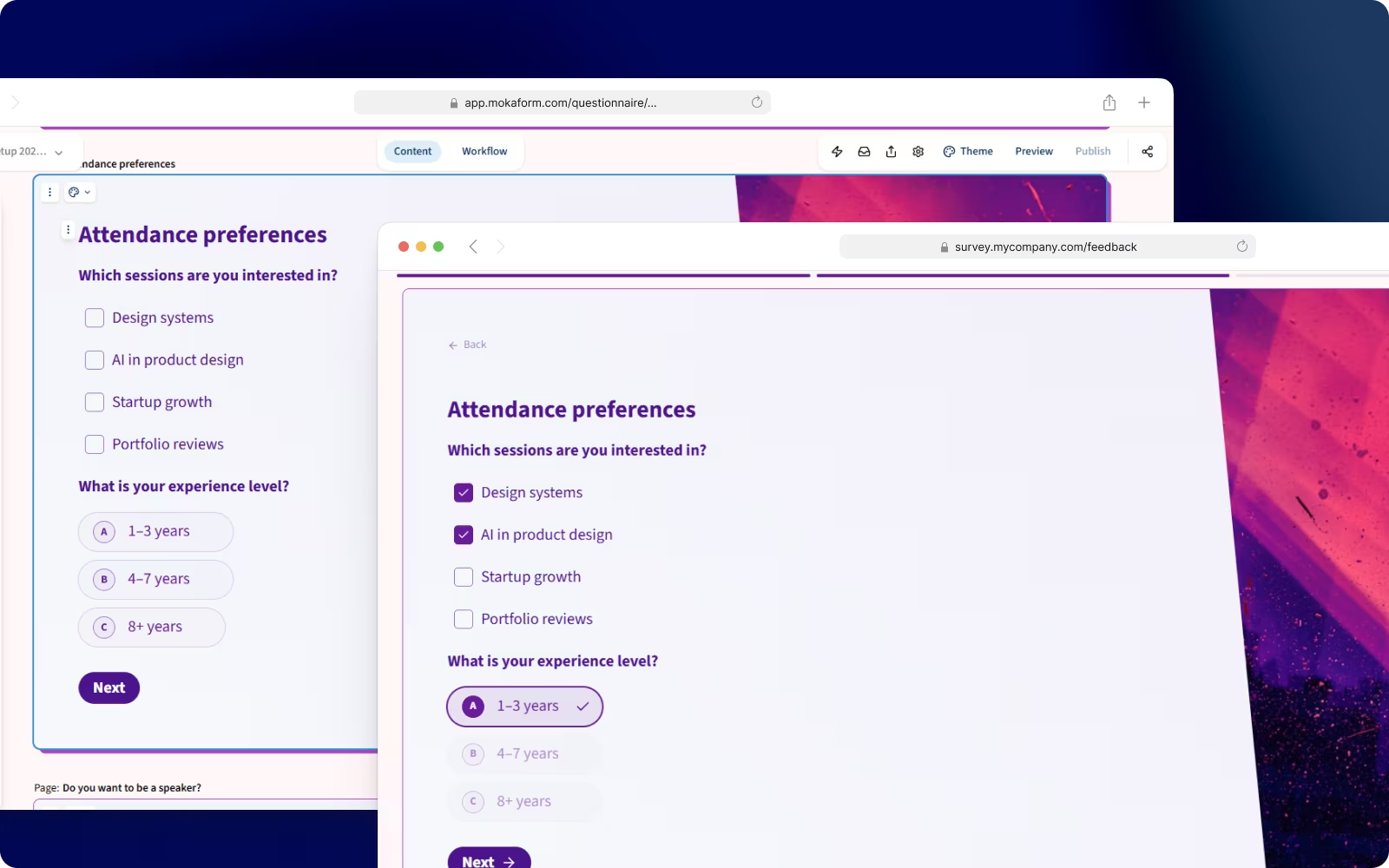












Edit
Edit and Publish in Seconds, Not Minutes
Click any text to edit it instantly. Change question wording, update instructions, or fix typos without leaving the builder. Hit publish and changes go live immediately with no rebuild and no delay.
Click any text to edit it inline
Publish and changes go live instantly
No rebuilds, no waiting, no delays
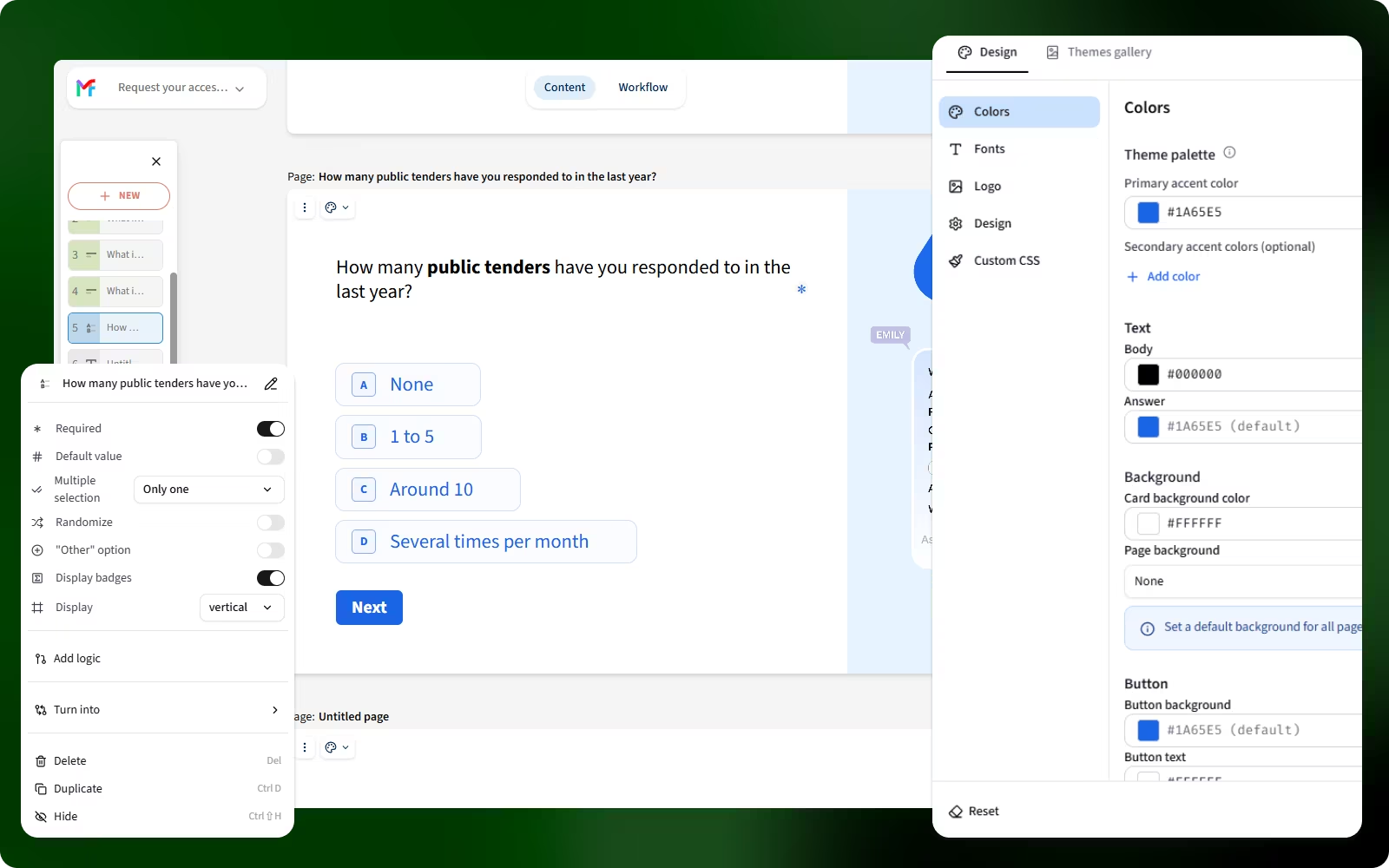
Adapt
Reduce unnecessary questions with smart logic
Show follow-up questions only when relevant. If someone selects "Other", display a text field automatically. Skip entire pages based on previous answers. Users complete forms faster, you get higher quality leads.
Show follow-up questions only when relevant
Reveal fields automatically based on answers
Skip entire pages to shorten the flow
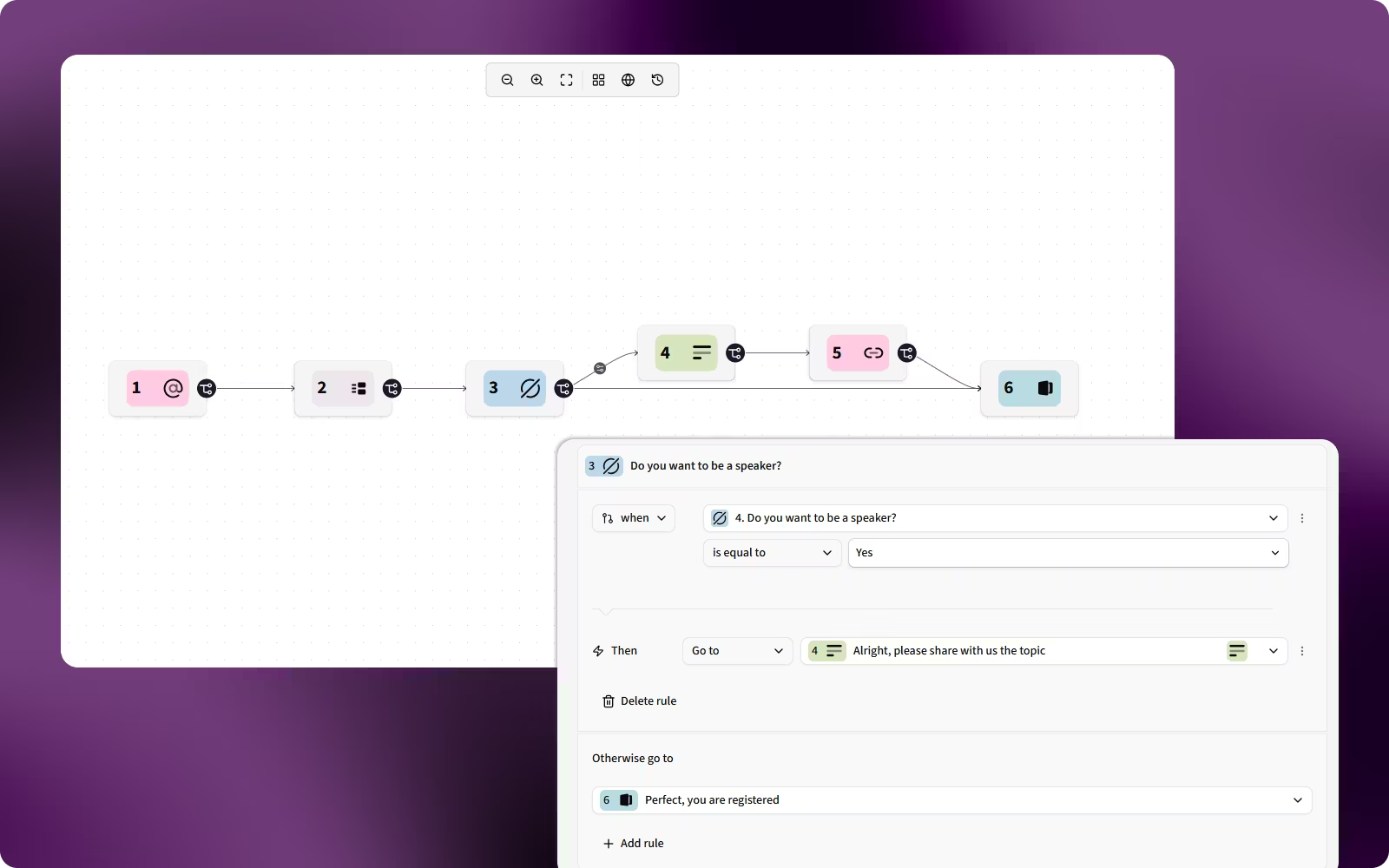
Personalize
Pre-Fill Data to Reduce Form Length by 40%
Send personalized form links that auto-fill names, emails, or account IDs from your CRM. Track campaign sources with hidden fields. Shorter forms mean higher completion rates. Users love it, your conversion rate proves it.
Auto-fill names and emails from your CRM
Track campaign sources with hidden fields
Shorter forms mean higher completion rates
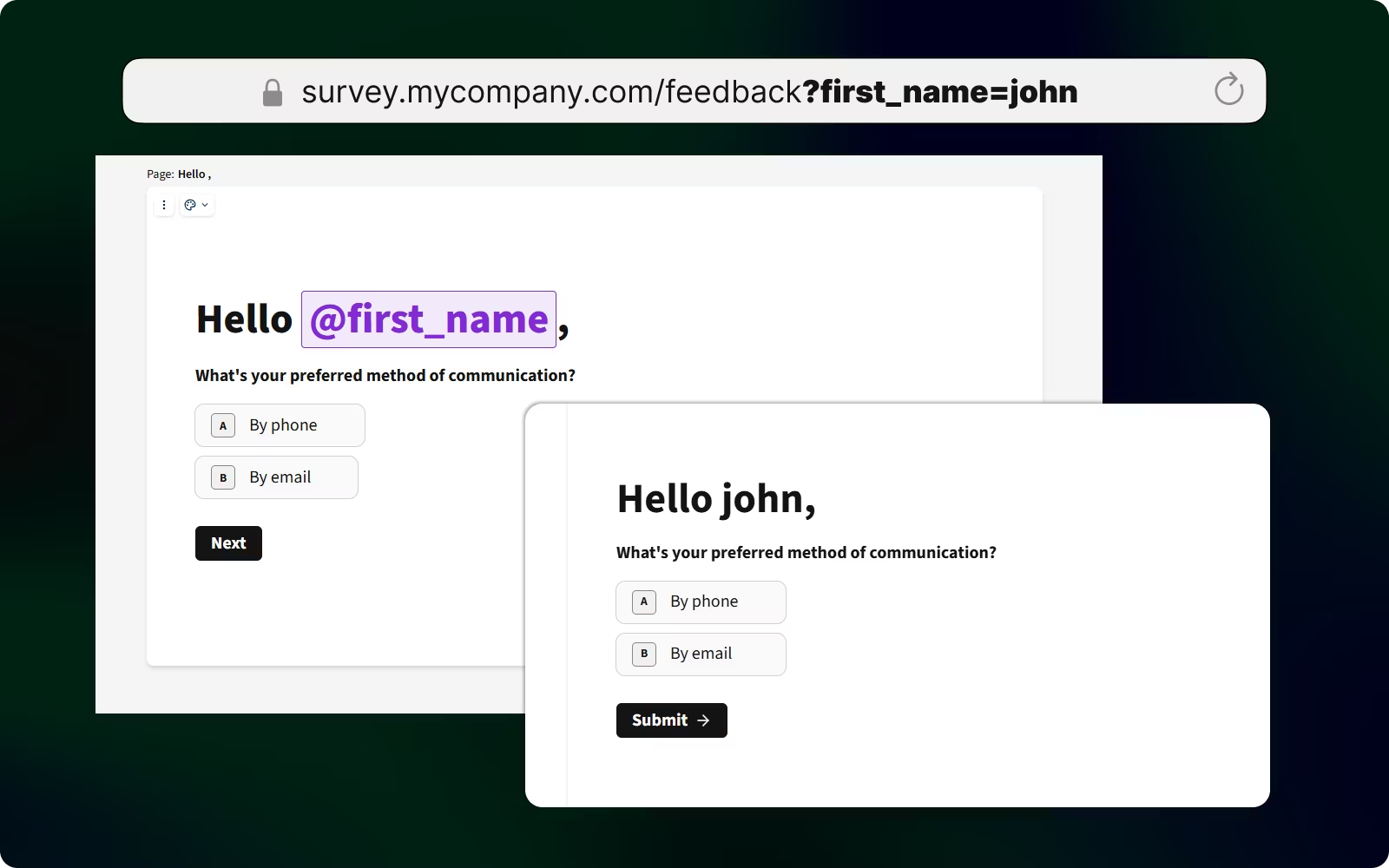
Connect
Sync Form Responses to Your CRM Automatically
Connect to HubSpot, Salesforce, Mailchimp, and 100+ other tools. With 10+ native integrations, new form submissions sync instantly to your database without manual exports or complex middleware setup.
Connect HubSpot, Salesforce, Mailchimp & 100+ tools
10+ native integrations, no middleware
Responses sync to your database instantly
Conditional form logic
Show the right question, action, or ending for each response
Mokaform conditional logic is a set of rules that evaluates a respondent’s answers and changes what happens next. A rule combines a trigger, an operator, a comparison value, and an action. You can use it to skip irrelevant questions, reveal a follow-up field, route qualified leads, calculate a value, or send someone to a specific ending.
| Rule part | What it controls | Example |
|---|---|---|
| Trigger | The answer or field to evaluate | “Team size” |
| Operator | How the answer is compared | is greater than |
| Value | The threshold or matching answer | 50 |
| Action | What Mokaform does when it matches | Show “Book a demo” |
Set up and test a rule
- Create the questions that the rule will use.
- Choose the trigger field, operator, and comparison value.
- Select the question, ending, redirect, or action to run.
- Preview every branch with answers on both sides of the rule.
- Publish and submit a test response before sharing the form.
Follow the complete logic and variables guide for hidden fields, calculations, and branching examples.
Practical limits and safeguards
Logic only evaluates the data available at that point in the form, so place trigger questions before the actions that rely on them. Avoid overlapping rules that send the same answer to conflicting destinations. If a rule depends on optional data, define what should happen when the field is empty.
Always test keyboard navigation, mobile layouts, required fields, and every ending. Logic can make a form feel shorter, but it cannot replace clear wording or a justified reason for collecting personal data.
Common questions
- Can one answer trigger several actions?
- Yes. Keep the actions compatible and test the order in preview so respondents never reach a dead end.
- Can I use values from a shared link?
- Yes. Hidden and prefilled fields can provide context for rules, personalization, campaign tracking, and routing.
Start with the create your first form tutorial if you want a complete build, test, and publishing sequence.
Start with a smart template. Add conditional logic in seconds, and watch completion rates climb.
Browse pre-built templates with useful question structures and conditional logic. Customize the questions, test the respondent journey, and publish when the form is ready.